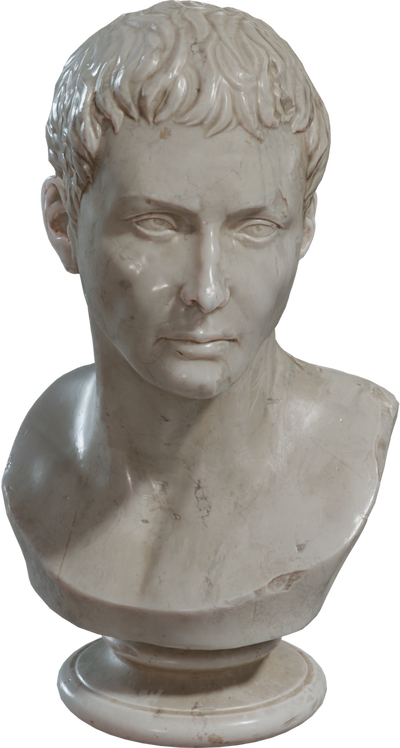
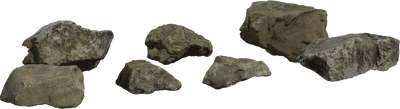
Powered by the world's leading 3D sources
Everything you need in one place.
Stop juggling multiple accounts and download managers. Grand Studio brings the 3D marketplace universe together.
Universal search
One search box, thousands of sources. Find exactly what you need across every major 3D marketplace.
AI Generator
NEWCreate custom 3D models from text prompts. Describe it, get it. Coming soon.
Instant downloads
Direct downloads with proper licensing. FBX, OBJ, GLB, USD, and more formats supported.
Every category
Nature, architecture, vehicles, characters, sci-fi, fantasy. From lowpoly to hero assets.
UE5 Plugin
SOONBring AI-powered world building right into Unreal Engine 5.7. Coming to Fab Marketplace.
Free tier
10 downloads per day, forever. No credit card. No trial period. Just start creating.
Get to your model in three steps.
A clean path from search to download — no account juggling.
Search or browse
Enter what you need or explore by category. Unified search across 10,000+ models, textures, and HDRIs.
Preview & compare
Inspect thumbnails, categories, and source details before you download.
Download & create
One-click download with clear licensing. Drop assets into your next project.
Grand Studio AI Commander for Unreal Engine.
Our companion plugin brings AI-powered world building right into UE 5.7. Describe scenes, generate cities, place assets — all from natural language.
- AI-powered city builder
- Natural language commands
- 200+ AAA materials included
- One-click screenshot capture
- API key auth from your account
Create a rainy Tokyo street with neon signs and parked scooters.
Simple, honest pricing.
Start free. Upgrade when you need more.
Free
Perfect to get started
- 10 downloads per day
- Access to 10,000+ assets
- Sketchfab, Poly Haven & ambientCG
- Community support
Pro
For serious creators
- Unlimited downloads
- Priority AI generations
- Early access to new features
- Priority support
- No ads
Built like a real product team.
Security, billing, licensing, and support — the boring essentials that make a marketplace trustworthy.
Secure by design
Auth via Supabase. API keys rotatable from Settings.
Stripe billing
Industry-standard payments. Cancel anytime.
Clear licensing
License context shown so you can ship with confidence.
Human support
Contact us anytime — we respond to real creators.
Ready to build something incredible?
Join creators using Grand Studio to find, download, and ship 3D assets faster.
Free forever · No credit card required · 10 downloads daily